The Dark Mode blog
Dark mode guides for Chrome
Everything about running dark mode in Chrome: how to turn any site dark, why pages sometimes flash white, what a dark background does on an OLED screen, how to tell a safe extension from a risky one, and what to do when it stops working.
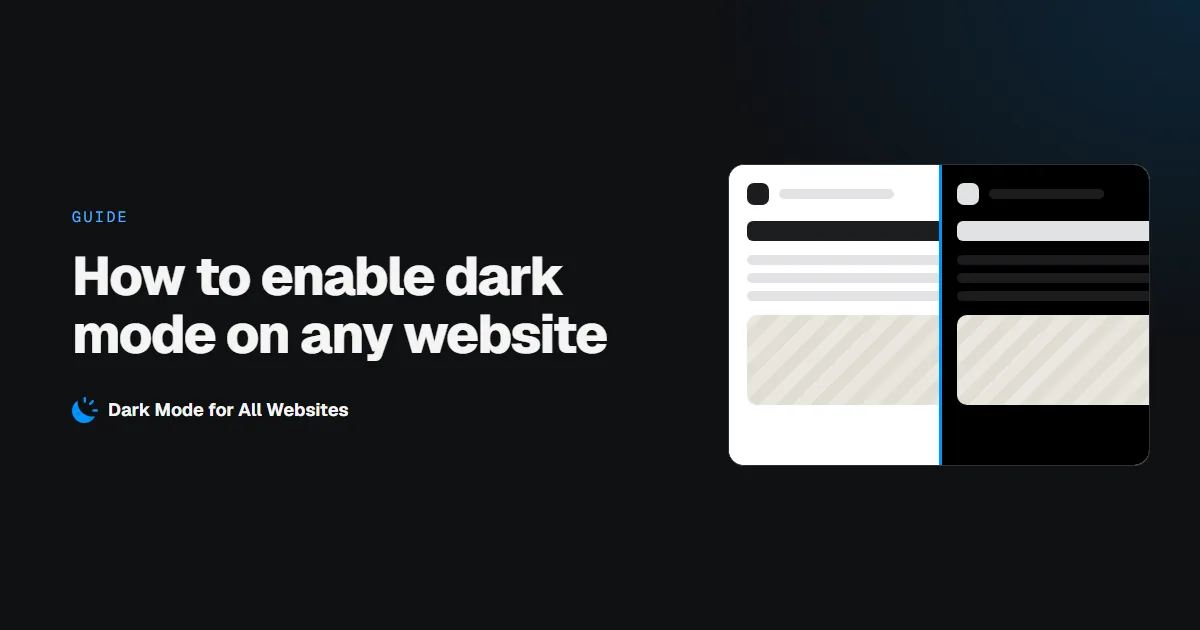
How to Enable Dark Mode on Any Website in Chrome
Turn every website dark in Chrome: the one-click setup, what happens to sites that are already dark, what happens to your photos, and the pages no extension is allowed to touch.
Read the guide ›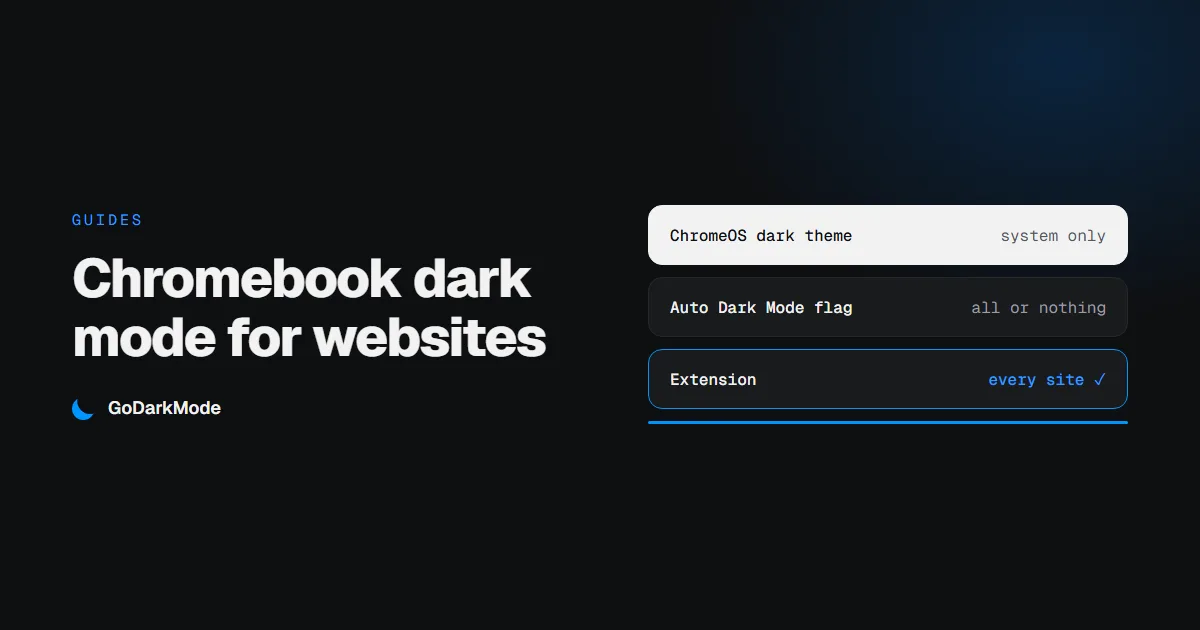
Chromebook Dark Mode: How to Make Websites Dark Too
The dark theme on a Chromebook darkens ChromeOS and Chrome, and leaves most websites white. Here is what each setting covers, how to darken the pages as well, and what to do on a school Chromebook.
Read more ›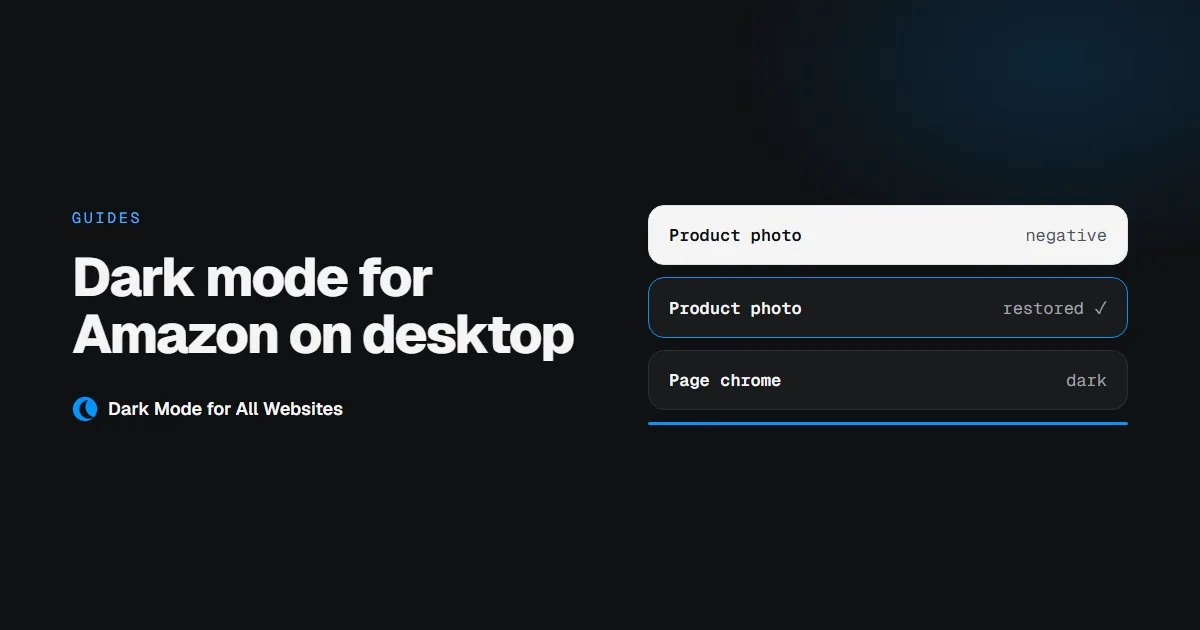
Dark Mode for Amazon on Desktop, Without Losing the Product Photos
Amazon's website has no dark mode setting on desktop. An extension can darken it, but only if it knows to leave the product photography alone.
Read more ›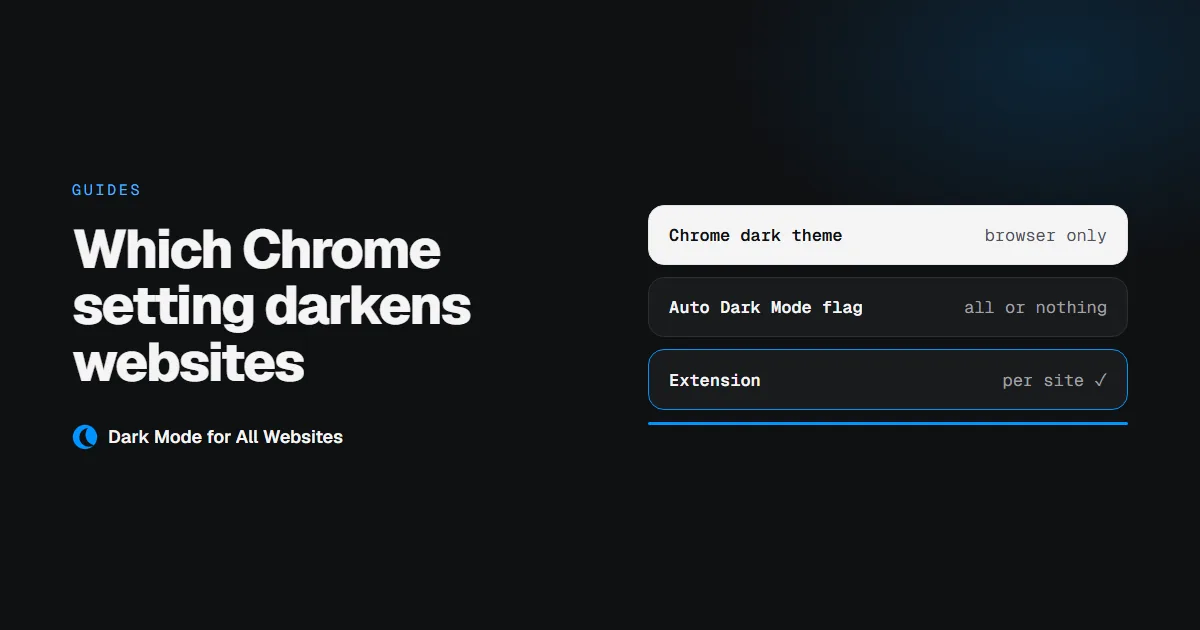
Chrome Dark Mode: Which Setting Actually Darkens Websites
Chrome has a dark theme, a hidden force-dark flag, and a store full of extensions. They do three different jobs, and only two of them touch the page you are reading.
Read more ›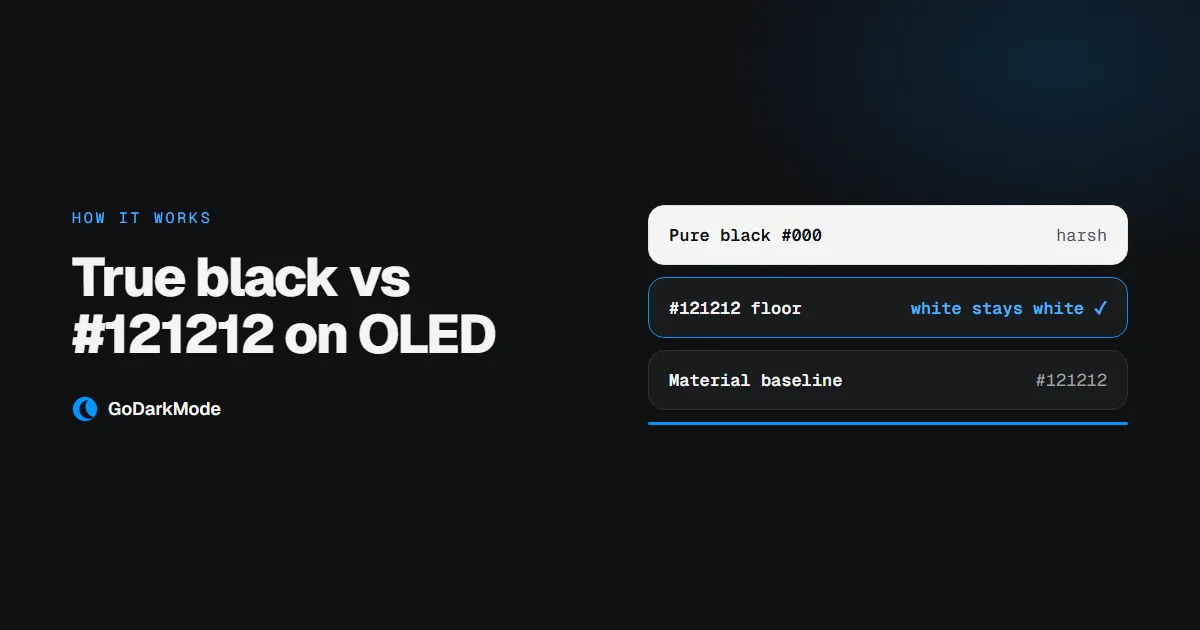
True Black vs #121212: What Dark Mode Should Do on an OLED Screen
Pure black saves the most power and is the hardest to read. Here is what the trade actually costs on an OLED screen, and why almost every serious dark theme stops just short of black.
Read more ›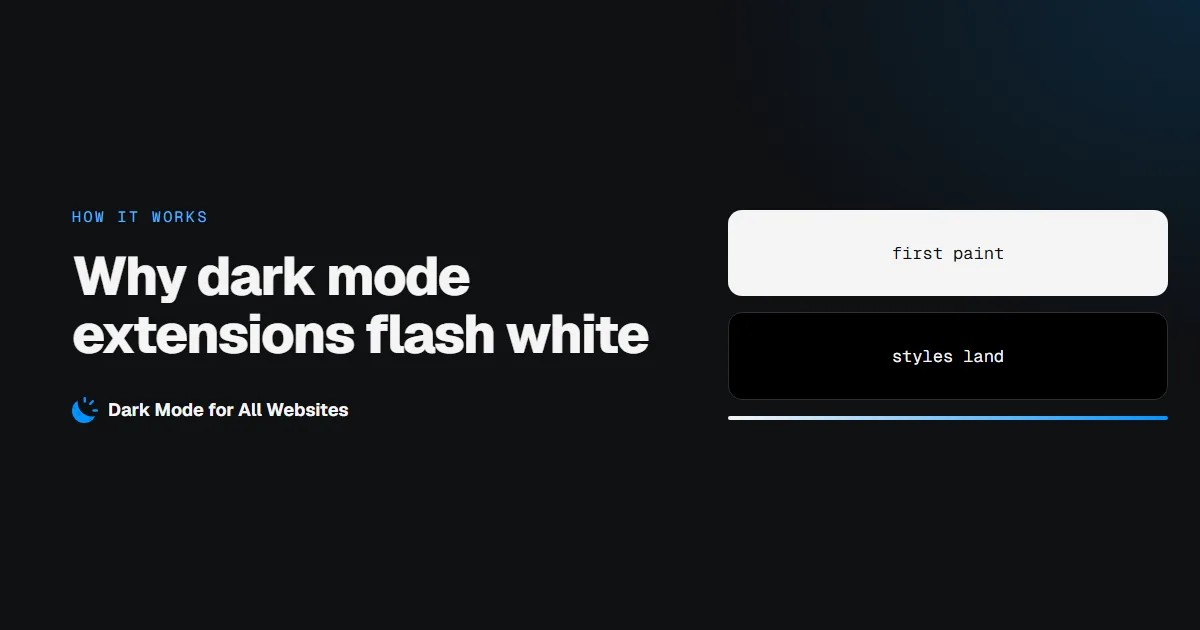
Why Dark Mode Extensions Flash White, and How to Stop It
That split second of white before a page turns dark is not your connection. It is where the extension's styles get applied, and it is fixable.
Read more ›
Dark Mode Extension Not Working? 7 Fixes That Cover Almost Every Case
A page stays white, one site refuses to go dark, or the extension stopped working after an update. Here are the causes in the order they actually happen, with a fix for each.
Read more ›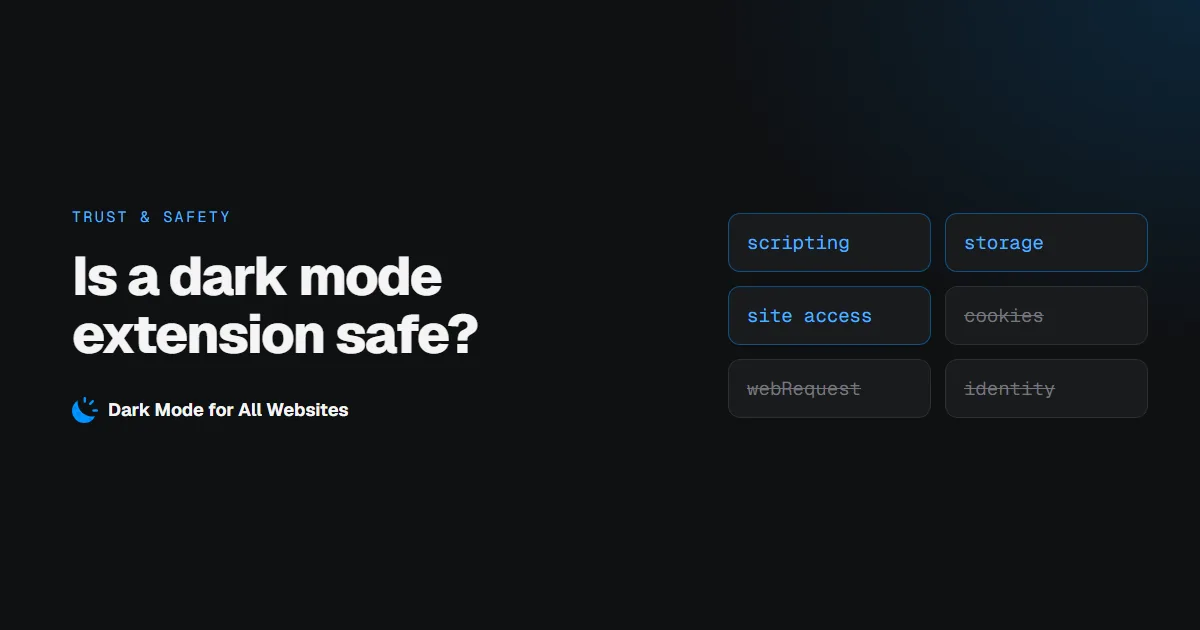
Is a Dark Mode Extension Safe? How to Check Before You Install
Dark mode extensions need permission to change every page you visit, which is exactly what a malicious one would ask for. Here is how to tell them apart in about two minutes.
Read more ›