Why Dark Mode Extensions Flash White, and How to Stop It
That split second of white before a page turns dark is not your connection. It is where the extension's styles get applied, and it is fixable.
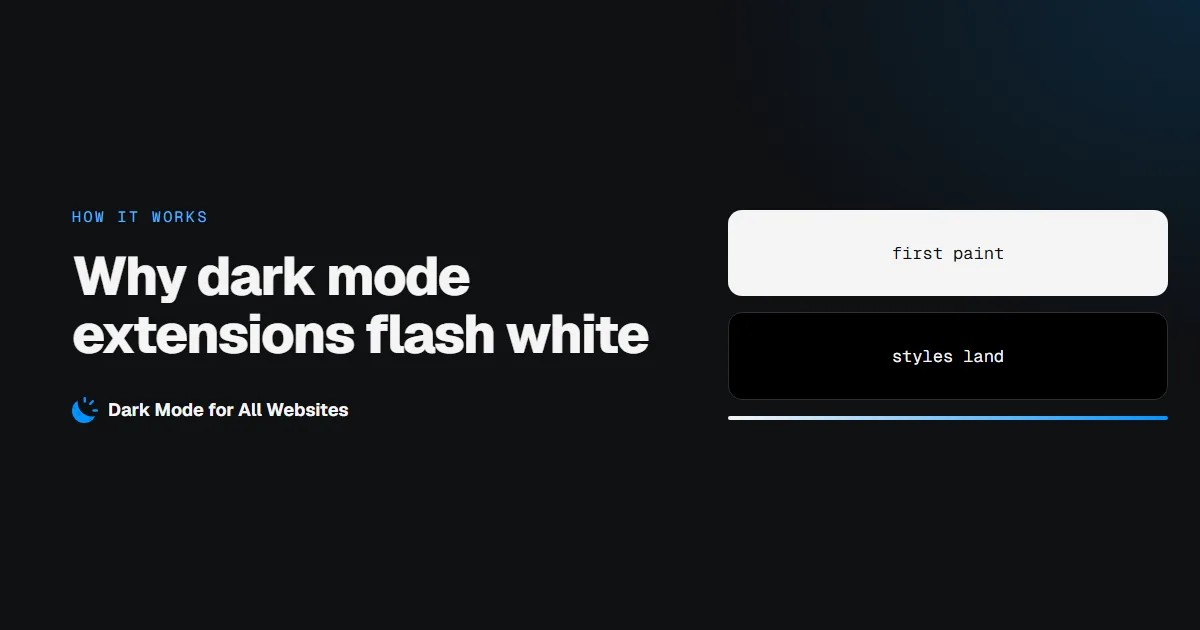
The white flash happens because most dark mode extensions apply their styles with JavaScript, and JavaScript can only run after the browser has already painted the page. You see the site's real colours for a moment, then the dark theme lands on top. At night, on a bright page, that is the difference between comfortable and painful.
It is not your internet connection, your machine or the site being slow. It is a timing problem inside the extension, and it can be avoided.
What actually happens in those milliseconds
Loading a page runs roughly in this order:
| Step | What the browser does | Where an extension can act |
|---|---|---|
| 1 | Starts receiving HTML | document_start — before anything is drawn |
| 2 | Builds the DOM, applies CSS | Stylesheets registered earlier already apply |
| 3 | First paint — the page becomes visible | Too late: whatever was showing is now on screen |
| 4 | Finishes loading resources | document_idle — the common default |
An extension that injects a <style> tag from a content script at step 4 cannot avoid the flash. The page was already visible at step 3. Slower pages make it worse, because the gap between the two steps grows.
Why so many extensions do it the slow way
Injecting styles from JavaScript is the easy path. It works on every Chrome version, needs no special registration, and is simple to toggle on and off per tab. The cost is that it runs after first paint.
Chrome offers a better tool: chrome.scripting.registerContentScripts, which registers a stylesheet to be applied at document_start for a chosen set of origins, and to persist across browser restarts. The browser then applies the CSS as part of loading the page rather than after it. There is no gap for the flash to appear in.
That is the approach GoDarkMode uses. Its dark stylesheet is registered per origin at document_start, so pages arrive dark.
The trade-off nobody mentions
Registering a stylesheet before the page loads means deciding before the page exists whether it should be dark. That creates a second problem: what about sites that already have their own dark theme? Darkening those inverts them into bright pages.
Handling both properly takes two passes:
- Before paint: apply the dark stylesheet for sites that should be dark.
- After the page exists: check what colour the page actually paints, remember the answer for that site, and exclude it next time if it turns out to be dark already.
So on a site with its own dark theme, the very first visit may correct itself, and every visit after that is decided before paint. Our extension caches that answer per site, which is why the behaviour settles after one visit.
Can you fix the flash yourself?
Not from outside the extension. It is an implementation detail. What you can do:
- Check the extension's description for "no flash", "before paint" or
document_start. Vague wording usually means JavaScript injection. - Use Chrome's own flag as an alternative:
chrome://flags→ "Auto Dark Mode for Web Contents". It applies at the browser level so there is no flash, but it darkens every site with no per-site control and results vary by page. - Keep dark mode on by default instead of toggling per site. Fewer decisions before paint means fewer chances for a mismatch.
Related symptoms that are not the flash
| What you see | Cause |
|---|---|
| A brief flash on every page load | Styles injected after first paint |
| A flash only on the first visit to one site | The already-dark check running for the first time |
| The page goes dark, then bright again | Something on the page is overriding the theme, or the site switched to its own dark theme |
| A white gap while scrolling | The page paints new content faster than it can be restyled; usually a very long page |
If pages are not going dark at all instead of flashing, the troubleshooting guide covers that. For the settings themselves, see how to enable dark mode on any website.