Dark mode for all websites · free Chrome dark mode extension Lights out. Every site.
A dark mode extension for Chrome that darkens every website, including the pages that never had a dark theme of their own. It arrives before the page paints, so there is no white flash, and it leaves sites that are already dark alone.
One click on the toolbar button turns it on everywhere, and off everywhere. There is nothing else to set.
01 — How to use it
Two clicks. Then forget about it.
Dark mode is on for every site from the moment it installs. Pinning the button is only so you can turn it back off.
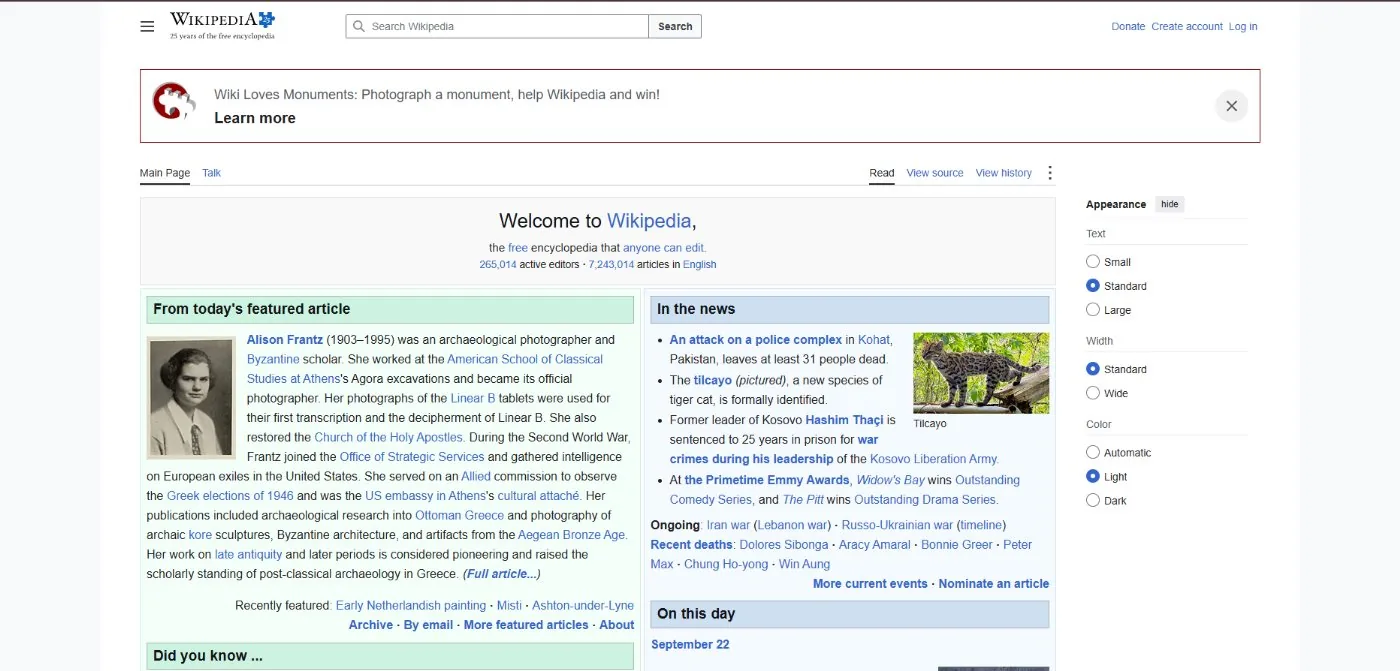
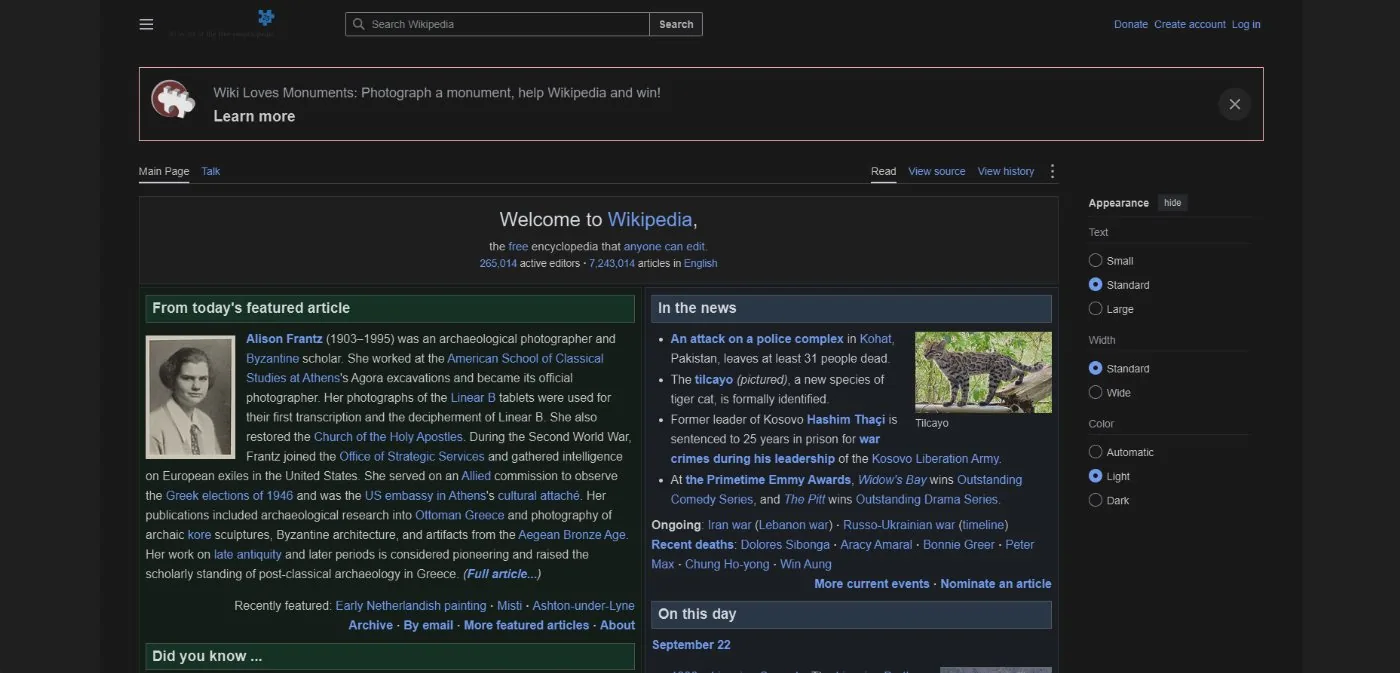
Open Chrome’s extensions menu and pin GoDarkMode, so the moon sits in your toolbar. Click the moon and every tab goes dark. Click it again and they all go back. That is the whole interface.
02 — The hard parts
What most extensions get wrong.
Inverting a page is easy. These two cases are where it usually falls apart.
Sites that are already dark
Inverting them turns a dark site bright. This one checks the colour a page actually paints, and skips it.
Photos set through CSS
Hero banners and card images are backgrounds, not pictures, so most extensions leave them as negatives. These get flipped back.
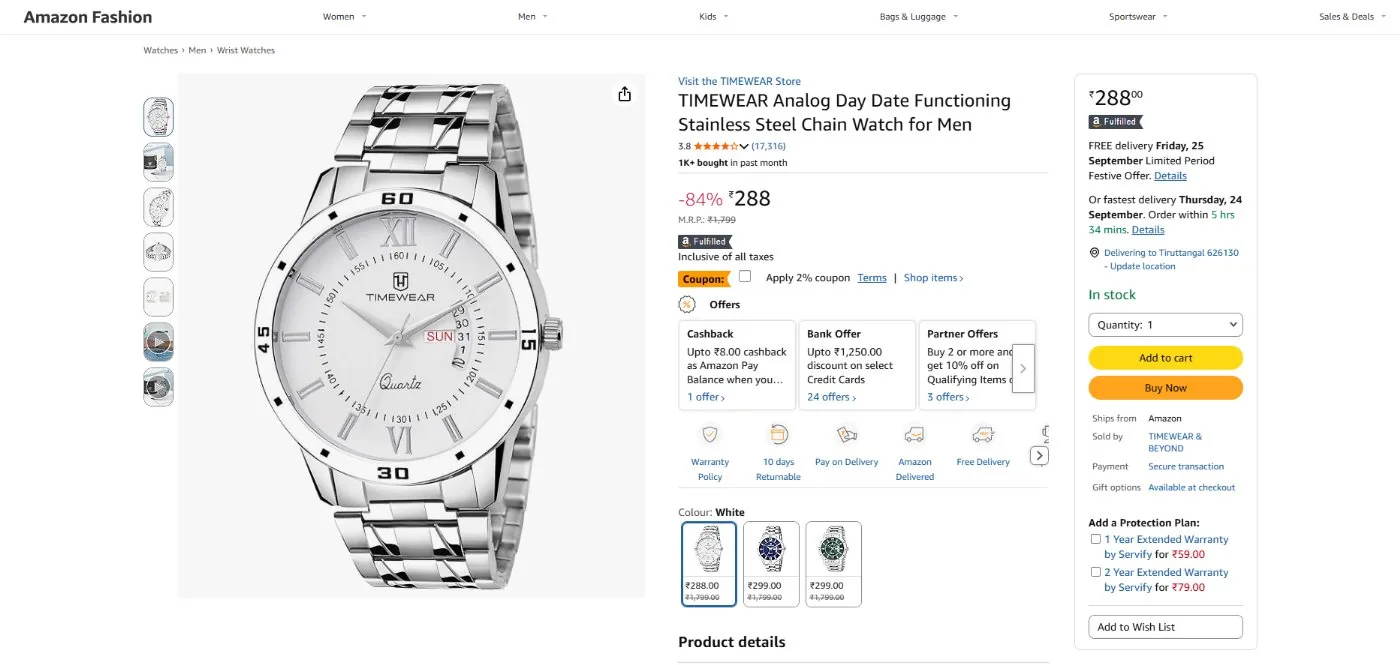
Before · the page as the site ships it
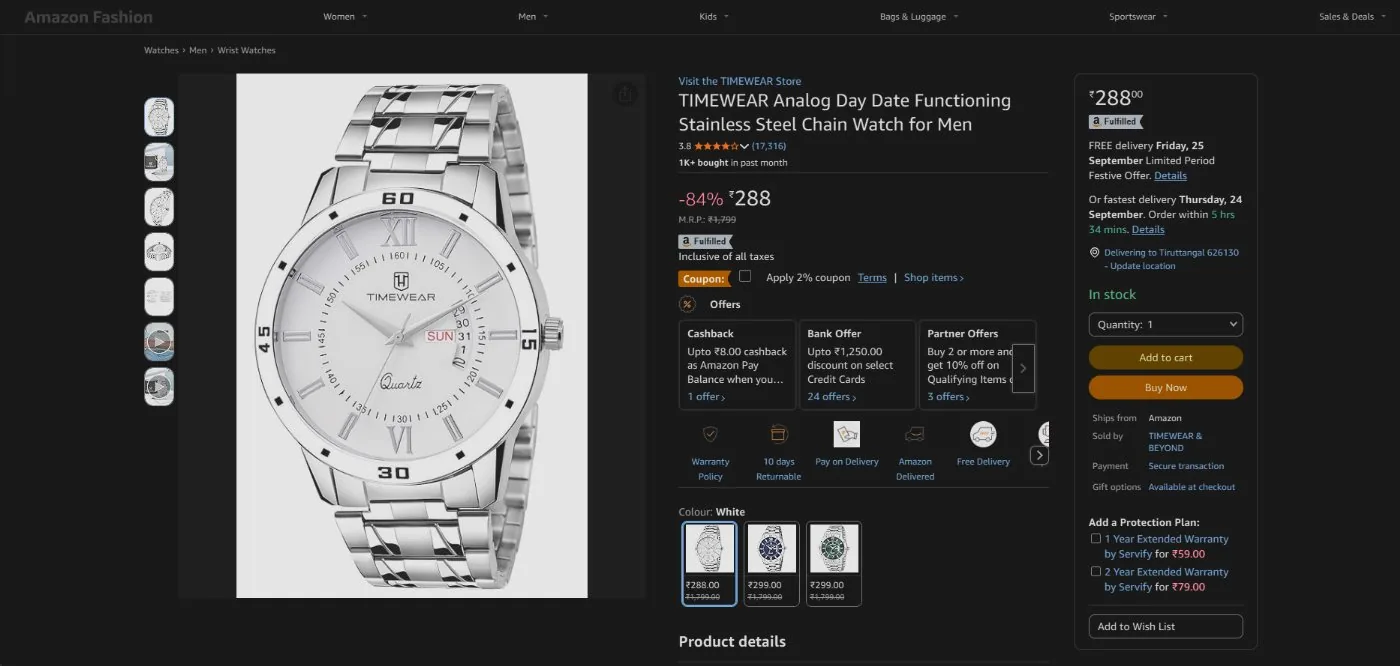
After · dark page, product photo untouched
03 — Compared
How it differs.
The behaviour most invert-based dark mode extensions share, next to what this one does.
| Behaviour | Typical invert-based extension | GoDarkMode |
|---|---|---|
| Page load | Styles injected after the first paint, so the page flashes white | Stylesheet applied before the page is painted |
| Sites with their own dark theme | Inverted anyway, turning them bright | Measured from what the page paints, and skipped |
| Photos and video | Usually flipped back | Flipped back, including canvas, embeds and frames |
| Photos set through CSS backgrounds | Commonly missed, left as negatives | Restored when they are large and carry no text |
| Darkness | Partial invert lands on grey | A #121212 floor, with white text left white |
| Dark headers and sidebars on a light page | Inverted into pale slabs | Kept dark: python.org 62% grey down to 3.4% |
| Sites with a strict Content Security Policy | A page-built style element is refused outright | An extension stylesheet cannot be refused |
| Permissions | Varies | Two, plus access to the pages it restyles |
| Network requests | Varies | None at all |
"Typical" describes the common implementation pattern, not any one product. Our own behaviour is described in the white flash and dark background guides.
Reviews
4.1 stars from 20 ratings.
Quoted from the Chrome Web Store listing, word for word.
Works well. My eyes are finally able to gaze into the internet's abyss.
the best of the best!!
Finally Yahoo Fantasy Football in Dark Mode. Thanks!!!
Privacy
Nothing leaves your device.
The extension makes no network requests at all. No accounts, no analytics, no tracking. It cannot see the sites you visit, and it never phones home.
It asks for site access to restyle pages, storage to remember whether the switch is on, and tabs to keep the toolbar icon honest. Read the privacy policy.
FAQ
Questions, answered.
How do I turn on dark mode for a website?
You do not have to. Dark mode is on for every site from the moment the extension installs, including the tabs you already had open. The toolbar button turns it off again, and back on, for every tab at once.
Does it work on every website?
It works on any http or https page, on local files opened from your disk, and on sites whose Content Security Policy blocks a page from adding styles to itself. Chrome does not let any extension touch its own pages, so chrome:// pages, the Chrome Web Store and other add-on stores always stay light.
Is there a white flash while the page loads?
No. The dark stylesheet is registered as a content script that runs before the page is first painted, so the page arrives dark instead of flashing white and then turning dark.
What about sites that already have a dark theme?
They are left alone. The extension samples the colour actually painted behind several points of the page and skips it when it is already dark, so a dark site is never inverted into a bright one.
Will my photos and videos look like negatives?
No. Images, video, canvas, embeds and frames are flipped back to their real colours. Large photos set through CSS backgrounds are detected and flipped back too, which most invert-based extensions miss.
Can I adjust how dark it looks?
No. There are no settings and no popup: one button, on or off. The background settles at #121212 rather than pure black, because white text on pure black is harsher than any hand-built dark theme goes, and the same adjustment leaves white text exactly white.
Is the dark mode extension safe? Is any of my data collected?
It collects nothing. There are no accounts, no analytics and it never contacts a server. It asks for three permissions plus access to the pages it restyles: storage to remember whether the switch is on, scripting to deliver the stylesheet, and tabs to keep the toolbar icon showing the right state. The on or off state is kept in your own browser profile.
Is my choice remembered per site?
No. The switch is global: on or off everywhere. The one thing decided per page is whether it is already dark, and that is measured automatically rather than being a preference you set.
Does it work on a Chromebook?
Yes. Chromebooks run Google Chrome, so you can install it from the Chrome Web Store. On a school or work Chromebook, your administrator decides which extensions are allowed.
Is it free?
Yes. It is free on the Chrome Web Store, with no account, no ads and no paid tier.
How do I turn on dark mode in Chrome?
It depends which part you mean. Chrome's own setting, under Settings → Appearance → Mode, darkens the browser: tabs, menus and settings, but not the websites you open. To darken the pages themselves you need either Chrome's experimental "Auto Dark Mode for Web Contents" flag at chrome://flags/#enable-force-dark, or a dark mode extension like this one, which applies before the page paints and leaves already-dark sites alone.
What is the best dark mode extension for Chrome?
We are not a neutral judge of that, so here is what to compare instead: does it apply before the first paint or flash white; does it detect sites that already ship a dark theme; does it restore photos, including ones set as CSS backgrounds; how many permissions does it ask for; and does it make network requests. Those five answers separate the careful ones from the rest, whichever you install.
Is it an extension, a plugin or an add-on?
Three names for the same thing. Chrome calls them extensions, Firefox calls them add-ons, and "dark mode plugin" is a habit carried over from browser plugins like Flash. This is a Chrome extension, installed from the Chrome Web Store.
Is this the same as night mode or a dark theme?
Yes, for web pages. Night mode, dark theme, black mode and dark mode are four names for the same idea: light text on a dark background, and this extension gives websites that look. It is separate from Chrome's own dark theme, which darkens the browser's tabs and menus but not the pages you open.
From the blog
How it works, in more depth.
Guides on setup, safety, the white flash and what a dark background does on an OLED screen.
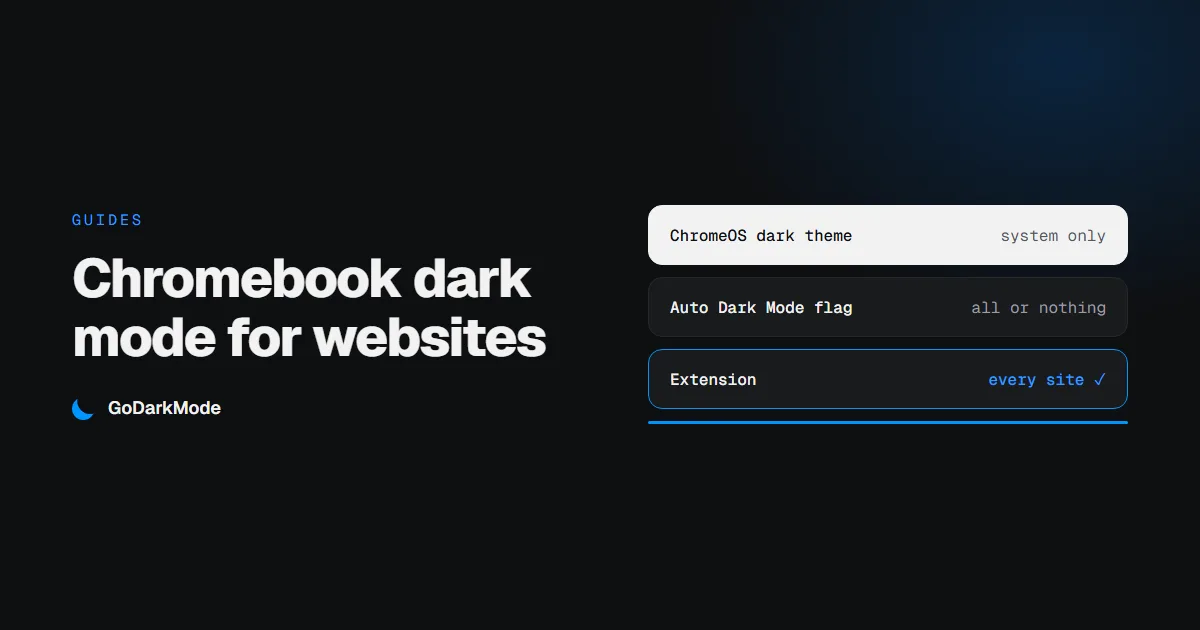
Chromebook Dark Mode: How to Make Websites Dark Too
The dark theme on a Chromebook darkens ChromeOS and Chrome, and leaves most websites white. Here is what each setting covers, how to darken the pages as well, and what to do on a school Chromebook.
Read more ›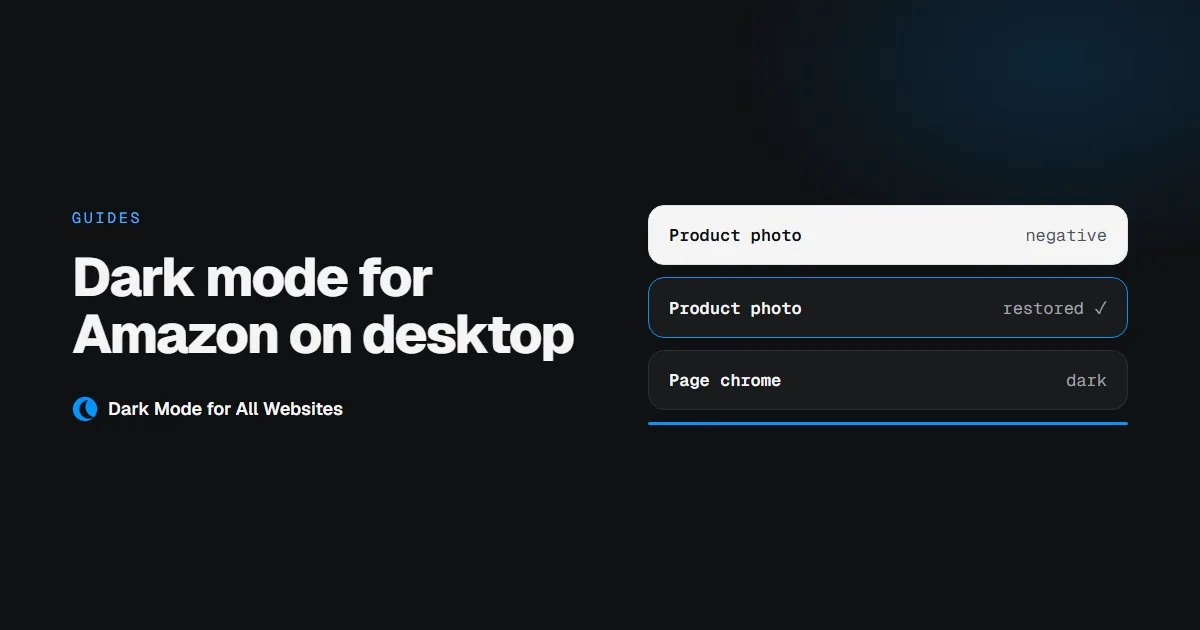
Dark Mode for Amazon on Desktop, Without Losing the Product Photos
Amazon's website has no dark mode setting on desktop. An extension can darken it, but only if it knows to leave the product photography alone.
Read more ›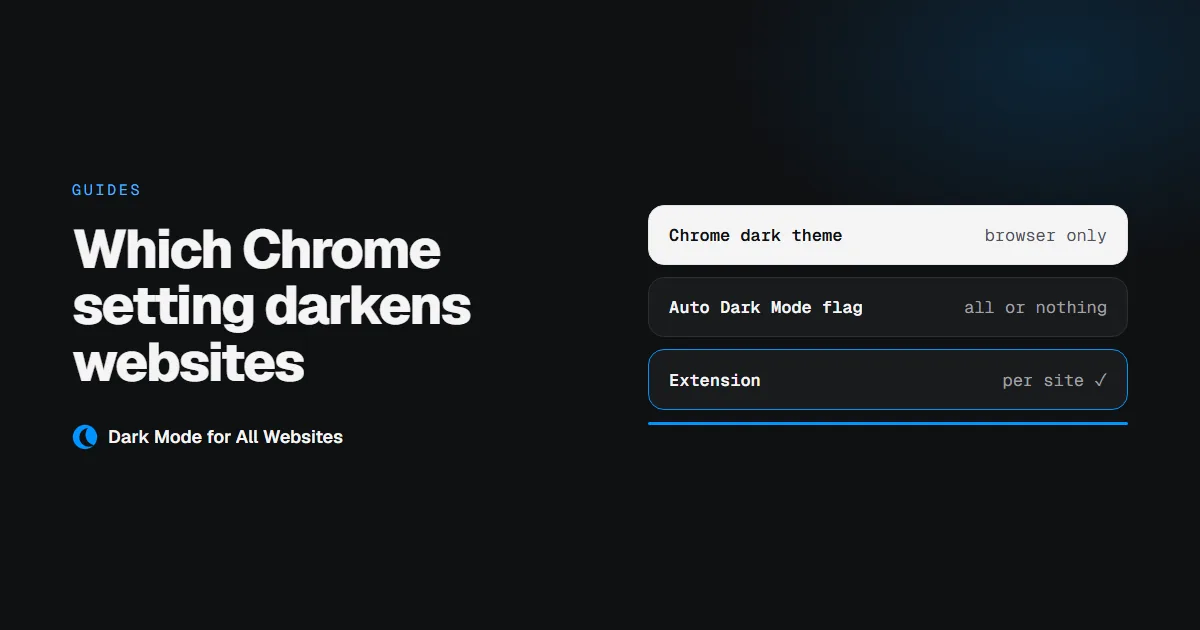
Chrome Dark Mode: Which Setting Actually Darkens Websites
Chrome has a dark theme, a hidden force-dark flag, and a store full of extensions. They do three different jobs, and only two of them touch the page you are reading.
Read more ›Ready for a darker web?
Free, private and instant. Your eyes will thank you.
Add to Chrome — it's freeFree on the Chrome Web Store · 4.1 stars · 10,000 users