True Black vs #121212: What Dark Mode Should Do on an OLED Screen
Pure black saves the most power and is the hardest to read. Here is what the trade actually costs on an OLED screen, and why almost every serious dark theme stops just short of black.
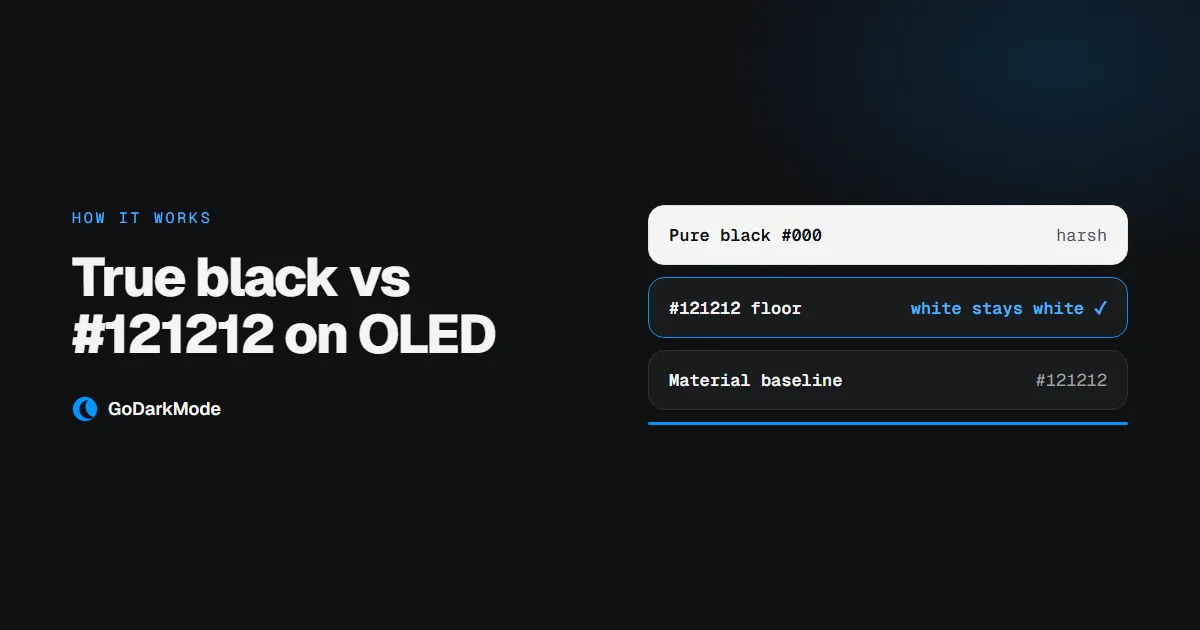
True black dark mode means page backgrounds become pure black (#000000) rather than a very dark grey. On an OLED screen that is a physical difference: a pixel showing pure black is switched off, so it emits no light and draws almost nothing. On an LCD the backlight stays on regardless, and the difference is only visual.
So pure black is the most efficient choice available. It is also the harshest, and that is the trade this article is about.
What pure black actually saves
Independent measurements over the years put the saving anywhere from a few percent to around a third of screen power, depending on two things: how bright the screen is, and how much of it is actually black. The effect is largest at high brightness, which is the opposite of how most people read at night.
Two things are worth knowing before you optimise for it:
- It is screen power, not battery life. The display is one component. A saving of 30% on the panel is not 30% on the device.
- Near-black is nearly as good. A pixel showing
#121212is not switched off, but it is drawing a small fraction of what a white pixel draws. Almost all of the saving from a dark theme is already banked before you reach pure black.
What pure black costs
White text on pure black is the highest contrast a screen can produce, and past a point more contrast stops helping.
At maximum contrast the light from the text bleeds visibly into the dark around it. Readers with astigmatism see this most strongly, but it is not limited to them, and it is the reason long passages of white-on-black feel tiring in a way that white-on-dark-grey does not. Bright images make it worse: a photograph on pure black has nowhere to sit, and the jump from the picture to the background is jarring.
There is a second, quieter problem. On pure black you cannot see shadow, so nothing can look raised. Every card, menu and dialog lands flat on the same plane.
What serious dark themes do
This is settled practice rather than an open question. Google's own Material Design dark theme guidance specifies #121212 as the baseline surface, for exactly these reasons: less eye strain than pure black, and room to show elevation, since a raised card can step up to #1E1E1E and then #242424 and still read as lighter than what is behind it.
Look at the dark themes you already use and you will find the same decision. Almost none of them are pure black.
Where this extension lands
GoDarkMode settles the background at #121212.
That is not a compromise between black and grey. It falls out of how the filter is built. Inverting a white page lands it on pure black, so a contrast and brightness pair is applied on top:
invert(100%) hue-rotate(180deg) contrast(0.8692) brightness(1.07)
The useful property of that pair is that it is strongest at the black end and does nothing at the white end. The floor comes up to #121212 while white text stays exactly white. A plain brightness lift across the whole range would have washed the text out along with the background, which is what makes a dark theme look grey and flat.
Every step also has an exact undo, applied to images, video, canvas and frames so that photographs come back in their real colours rather than as negatives. Everything cancels to the pixel except pure black inside a photo, which lifts by the same small amount as the floor.
So should you want true black?
If you are reading on an OLED phone at high brightness and you care about every percent of battery, pure black wins on power and you will feel the cost in your eyes on long reads.
For everyone else, on a laptop or desktop, the honest answer is that pure black buys you very little and costs you readability. That is why this extension does not offer it, and why the dark themes built by people who do this full time do not either.
Related
- Why dark mode extensions flash white — the implementation detail behind that split second of white
- How to enable dark mode on any website — the setup, and what it cannot change
- Is a dark mode extension safe? — how to read the permissions before installing